
Getting Started
Configuration
Quick Start
- Open Macuse from your menu bar
- Click the first card (Server) to open the server panel
- Under Quick Setup, find your AI tool and click "Setup"
- Restart your AI tool to apply changes
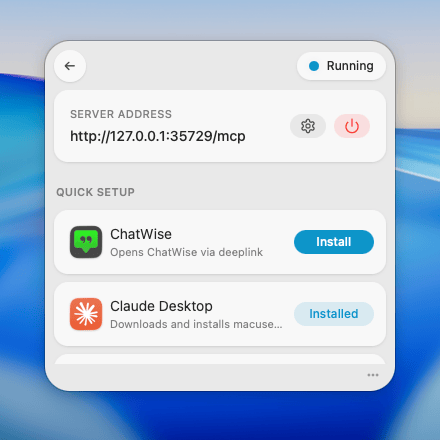
Supported AI Tools
Manual Configuration
For AI tools not listed above, you can manually copy the configuration:
- Open Macuse and click the Server card
- Scroll to the Manual Configuration section
- Click "Copy" to copy the configuration to your clipboard
- Paste into your AI tool's MCP configuration file
For more details, see:
- stdio Transport - For most desktop AI apps
- HTTP Transport - For web-based AI tools