
Clients
Msty Studio
Msty Studio is a cross-platform AI chat client that supports Model Context Protocol (MCP) tools via both STDIO and Streamable HTTP connections.
Configuration
- Open Msty Studio and go to Settings → Toolbox → Tools
- Click Add Tool to add a new MCP server
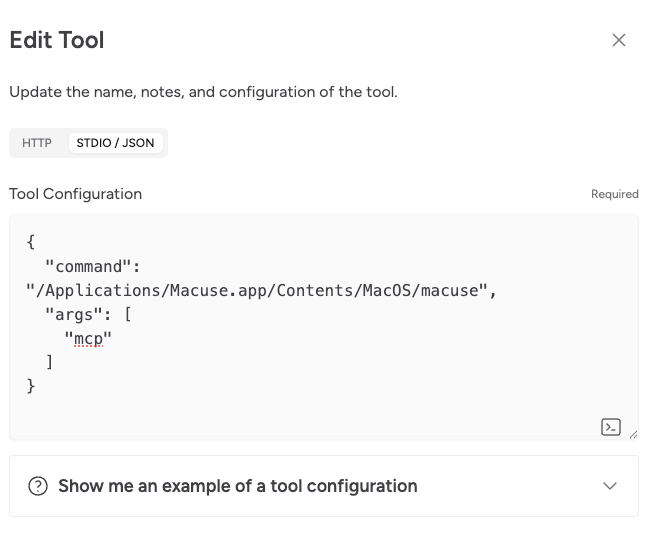
- Select STDIO / JSON as the connection type
- Enter the following JSON configuration:
{
  "macuse": {
    "command": "/Applications/Macuse.app/Contents/MacOS/macuse",
    "args": ["mcp"]
  }
}- Click Save to apply the configuration
Verifying the Connection
- Start a new conversation in Msty Studio
- Ask the AI to "list available Macuse tools"
- If configured correctly, Msty Studio will show the available toolboxes
Troubleshooting
If the connection fails:
- Ensure Macuse is installed in
/Applications - Check that Macuse has the necessary permissions enabled
- Try restarting Msty Studio after making configuration changes