
Clients
Perplexity
Configuration
- Open Perplexity and go to Settings
- Navigate to Connectors
- Click Add Connector and select Standard I/O
- Enter the following configuration:
| Field | Value |
|---|---|
| Server Name | Macuse |
| Command | /Applications/Macuse.app/Contents/MacOS/macuse mcp |
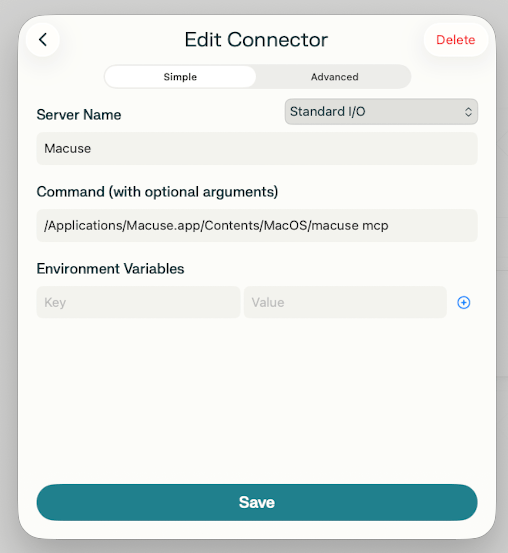
Or click Advanced tab and enter:
{
  "command": "/Applications/Macuse.app/Contents/MacOS/macuse",
  "args": ["mcp"]
}- Click Save and restart Perplexity
Verifying the Connection
- Open Perplexity and start a new conversation
- Ask Perplexity to "list available Macuse tools"
- If configured correctly, Perplexity will show the available toolboxes