
Macuse Docs — Setup, Configuration & API Reference
Macuse lets your AI assistant directly control your Mac. Manage calendar, email, notes, and any application through natural conversation.
What is Macuse?
Macuse is a native macOS application that bridges AI assistants to your Mac's applications and system controls. It enables AI tools like Claude, Cursor, and Raycast to interact with native macOS applications on your behalf - scheduling events, sending emails, taking notes, and automating any UI interaction.
How does it work?
Macuse uses an open standard called MCP (Model Context Protocol) to communicate with AI tools. This means it works with any AI app that supports MCP — no vendor lock-in.
System Requirements
Before installing Macuse, ensure your system meets these requirements:
| Requirement | Minimum |
|---|---|
| macOS Version | macOS 13.0 (Ventura) or later |
| Processor | Apple Silicon (M1/M2/M3) or Intel |
| Memory | 4 GB RAM |
| Storage | 50 MB available space |
| Network | Internet connection for initial setup |
Supported AI Clients
Macuse works with any MCP-compatible AI client:
- Claude Desktop - Anthropic's official desktop app
- Cursor - AI-powered code editor
- Raycast - Productivity launcher with AI extensions
- VS Code - With Claude Code or Continue extension
- Windsurf - AI-first IDE
- Cline - VS Code extension for AI coding
Quick Start
Get Macuse running in under 5 minutes:
Step 1: Download and Install
- Download Macuse from macuse.app/download
- Open the downloaded
.dmgfile - Drag Macuse to your Applications folder
- Launch Macuse from Applications
Step 2: Grant Permissions
Macuse requires certain macOS permissions to function:
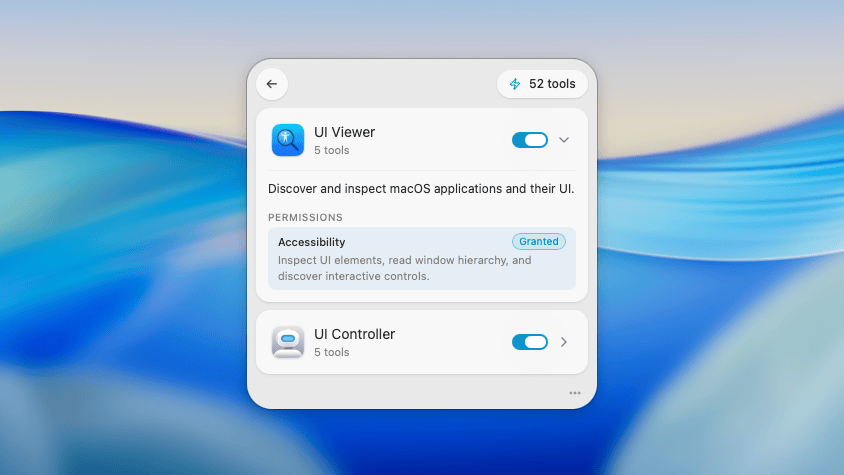
- Accessibility - Required for UI automation (clicking, typing, scrolling)
- Full Disk Access - Required for file operations
- App-specific permissions - Calendar, Contacts, etc. (requested when needed)
The app will guide you through granting each permission on first launch.
Step 3: Connect Your AI Client
- Click the Macuse menu bar icon
- Select "Add Client" and choose your AI tool
- Follow the one-click setup process
- Start chatting with your AI about Mac tasks!
Key Features
Native App Integration
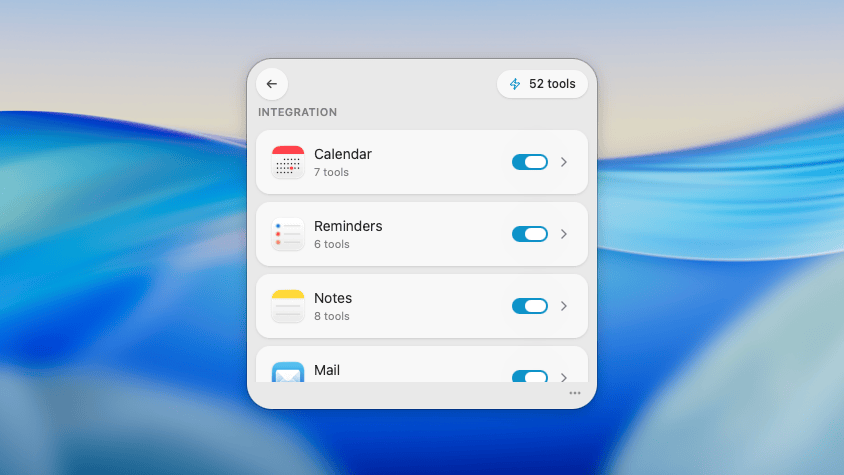
Control Calendar, Reminders, Notes, Mail, and more directly through your AI assistant. No need to switch apps - just describe what you want in natural language.
Supported native apps:
- Calendar - Create, edit, delete events
- Reminders - Manage tasks and lists
- Notes - Create and search notes
- Mail - Read, compose, send emails
- Contacts - Access contact information
- Messages - Read and send messages
- Finder - Navigate and manage files
Universal UI Control
Click, type, scroll, and interact with any application on your Mac. Macuse uses Apple's Accessibility APIs to control UI elements in any app, not just those with native integrations.
Use cases:
- Fill out web forms automatically
- Navigate complex enterprise software
- Automate repetitive tasks in any app
- Take screenshots and analyze UI
Works with Popular AI Tools
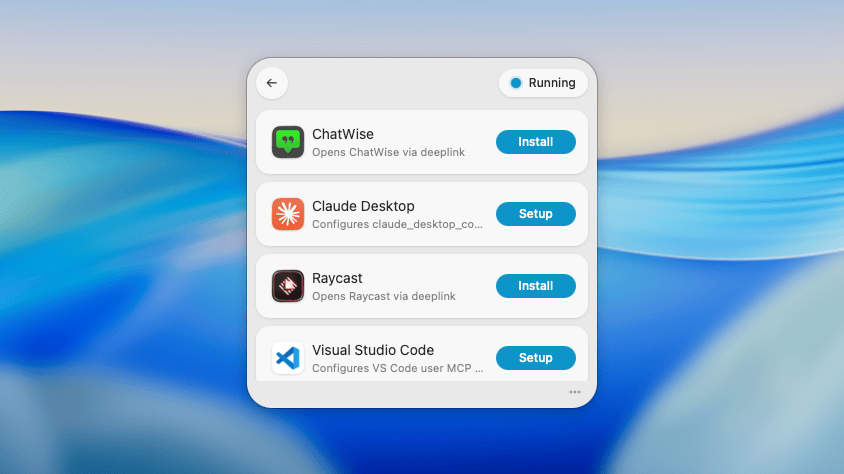
One-click setup for Claude Desktop, Cursor, Raycast, VS Code, and more. Macuse generates the correct MCP configuration automatically.
Privacy First
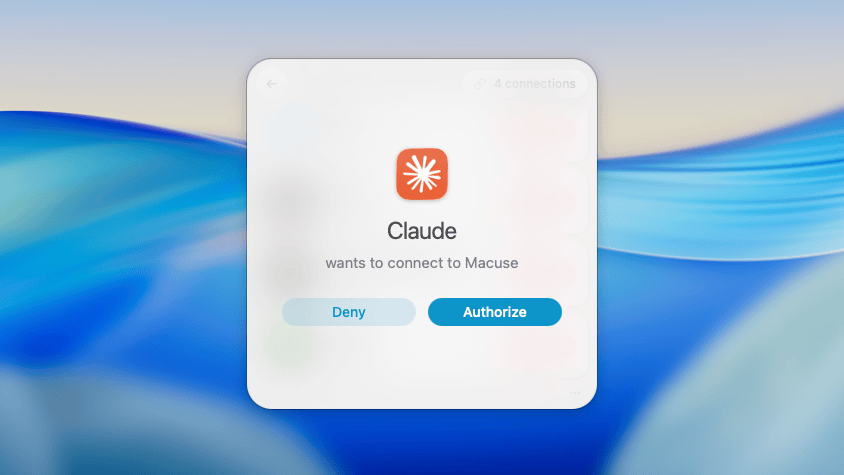
All processing happens locally on your Mac. Your data never leaves your device, and you control which apps can connect. Macuse runs as a local server that only accepts connections from authorized AI clients.
Privacy guarantees:
- No cloud processing
- No data collection
- No telemetry (except opt-in crash reports)
- Full control over connected clients
- Permission prompts before sensitive operations
Common Questions
Does Macuse require an internet connection?
Only for initial download and optional updates. Once installed, Macuse runs entirely offline. Your AI client may require internet for the AI model itself, but Macuse's operations are all local.
Is my data secure?
Yes. Macuse processes everything locally. We don't run servers that handle your data. The only network traffic is between Macuse and your local AI client.
What if an operation fails?
Macuse provides detailed error messages to your AI client. Most failures are due to missing permissions or app-specific limitations. Check the Troubleshooting Guide for common solutions.
Can I limit what Macuse can access?
Absolutely. You can enable/disable individual toolboxes, and Macuse will prompt for confirmation before sensitive operations like sending emails or deleting files.
Quick Links
- Installation Guide - Set up Macuse on your Mac
- Configuration - Connect your AI tools
- Permissions - Understand required permissions
- Toolboxes Overview - Explore all available toolboxes
- Troubleshooting - Solve common issues
Learn More
- What is MCP? - The open standard behind Macuse
- MCP GitHub - Open source project