
Give Your AI Superpowers on macOS
Let your AI manage your calendar, email, notes, and any Mac app. All on-device.
This element contains an interactive demo video showing Macuse in action: AI assistants interacting with native macOS apps like Calendar, Mail, and Notes, demonstrating seamless automation and control capabilities.

Questions & Answers
Yes. Your personal content (calendar, email, notes, messages) is processed locally and never leaves your device. We collect minimal analytics for product improvement and error tracking to fix bugs. For full details, see our Privacy Policy at macuse.app/privacy.
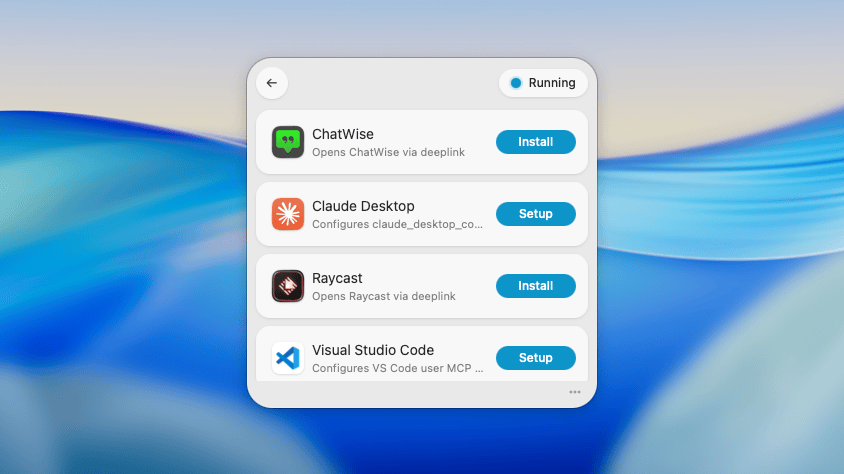
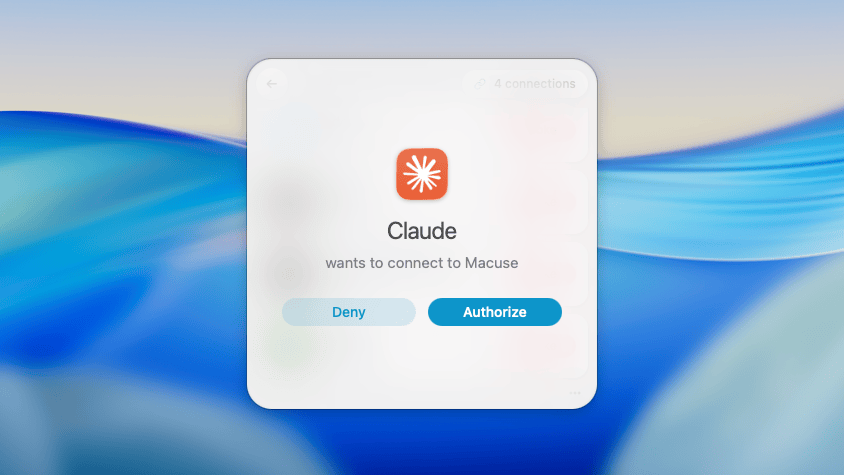
Macuse works with Claude Desktop, Cursor, Raycast, and any AI tool that supports the MCP protocol. One installation, all your AI tools connected.
Manage your calendar, read and reply to emails, take notes, set reminders, search contacts, send messages, and control any Mac application through natural conversation with your AI assistant.
No. Macuse auto-detects your AI tools and configures everything with one click. No config files, no terminal commands, no JSON editing.
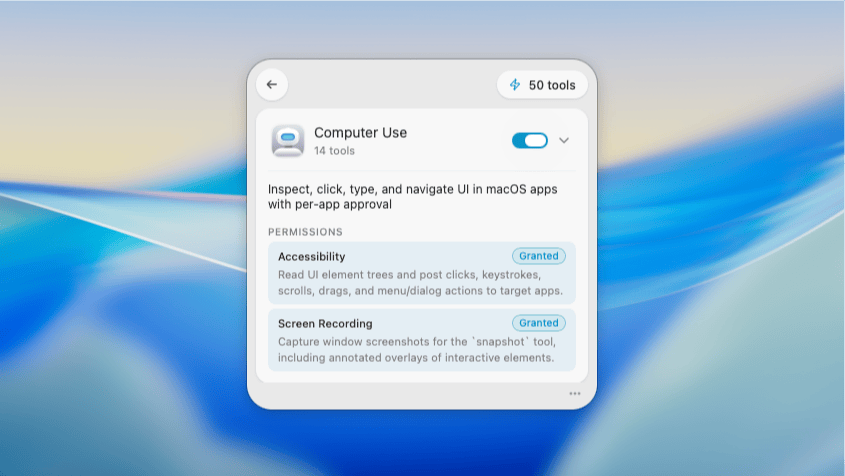
Macuse requests only the permissions needed for each feature: Calendar, Reminders, Contacts access for those apps, Full Disk Access for Mail and Notes, and Accessibility for Computer Use. You choose what to enable.
Yes. Macuse brings Computer Use to your Mac for any AI client. No ChatGPT Plus or Claude-only lock-in. It runs on-device and works in the background, so your cursor and active window stay untouched while your AI operates other apps.
Free includes all features with 100 tool calls per day and 1 connected client. Lifetime removes all limits for unlimited usage. Privacy and security are the same on both.